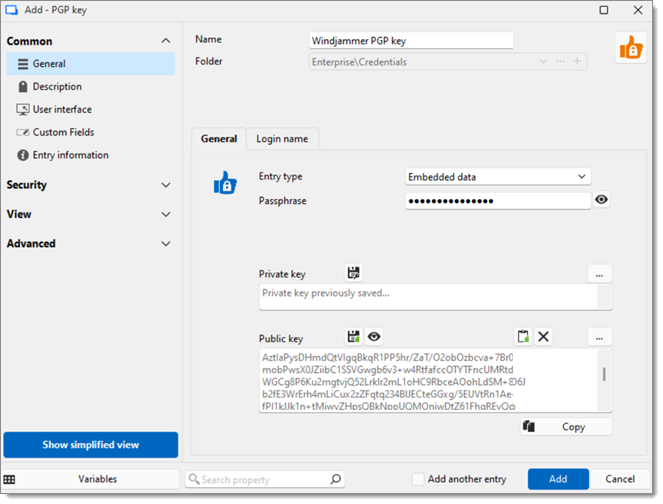
The PGP key entry allows users to securely generate and store PGP keys, as well as related metadata and credentials, in Remote Desktop Manager.
SETTING | DESCRIPTION |
|---|---|
Entry type | Choose a method to retrieve the public and private PGP keys between:
|
Passphrase | Enter the passphrase created alongside the PGP keys; it will be used to interact with your private key. |
Username | This username will be used when authenticating into sessions using the PGP key entry as linked credentials. |
Password | Enter the password associated with the username. Generate a password or use the Password generator. The password can be revealed or hidden by clicking the eye icon. |
 Share your feedback