Some users receive this prompt to grant Remote Desktop Manager access to their data every time they connect to a Devolutions Cloud data source:
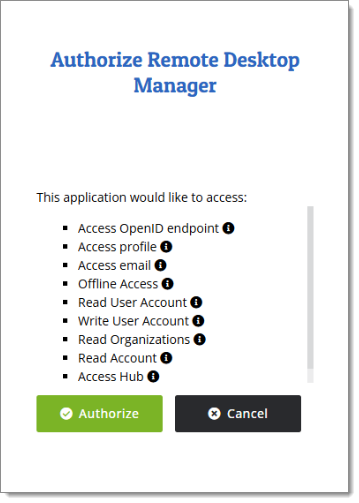
Below are the steps to automate this process:
Head over to File – Settings – Advanced.
Check the option called Connect to Devolutions Account using Authorization Code Flow.
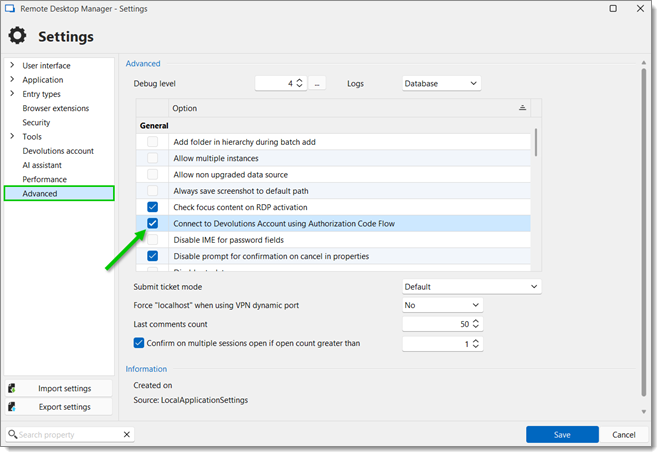
Click Save, and connect to a Devolutions Cloud data source without having to grant an authorization to Remote Desktop Manager.
 Share your feedback