When you launch Remote Desktop Manager, the Getting started page appears by default. If you do not want to see this page each time you open the application, you can disable it in two ways. You can also set a custom welcome page.
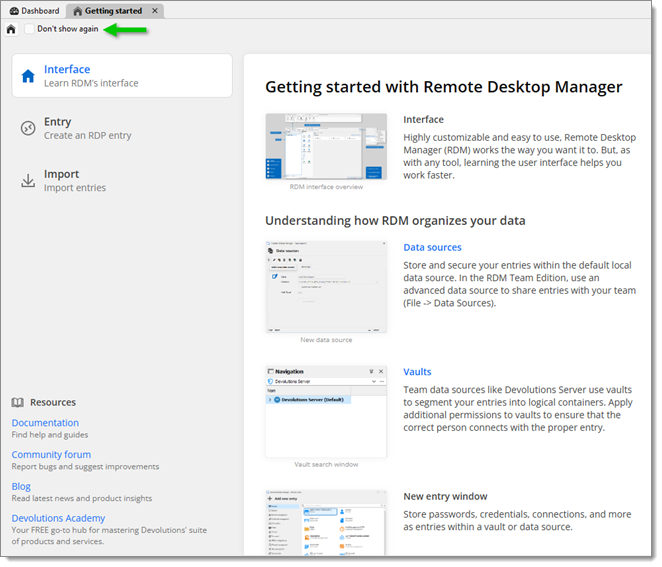
If you have not closed the Getting started page yet, click on Don't show again in the upper left corner.
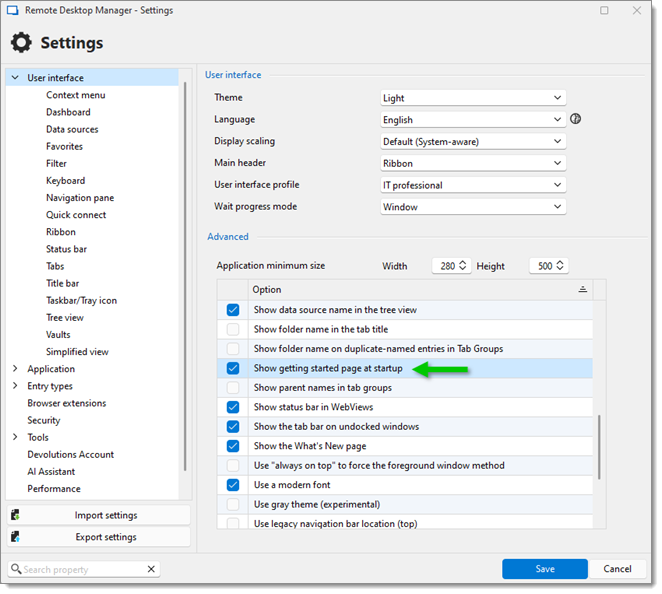
In File – Settings – User Interface, uncheck the advanced option Show getting started page at startup.
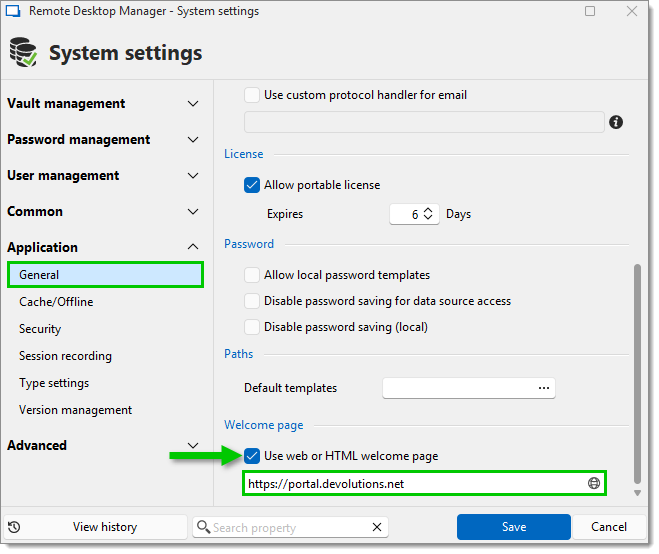
You can choose to show a custom page of your own as the welcome page. Go to Administration – System settings – Application, under Welcome page, enable the Use web or HTML welcome page setting and enter the URL that points to your custom welcome page.
 Share your feedback