The Log debug information option must be enabled to view the debug logs. Consult Logging for raising the debug level.
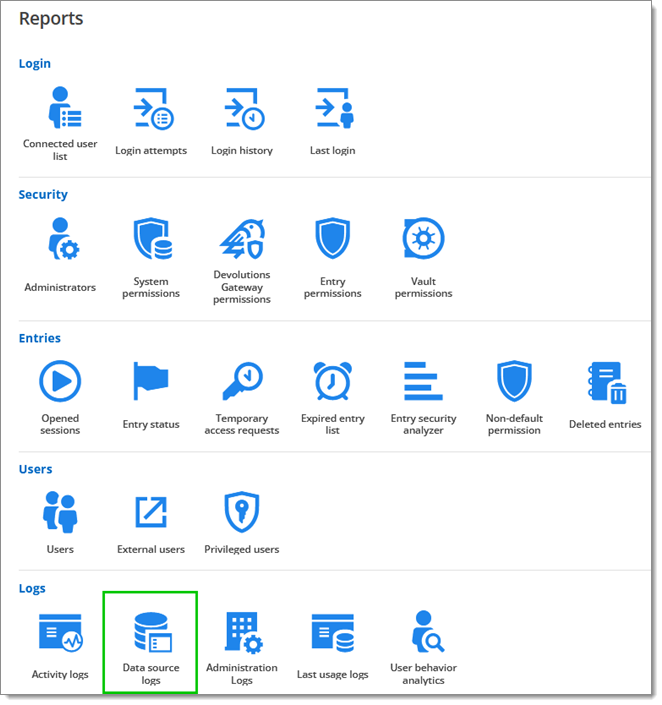
The Devolutions Server logs can be consulted in Reports - Data Source Logs.
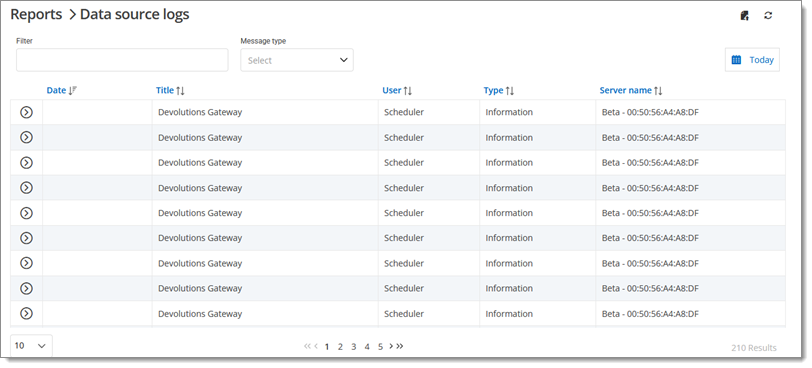
Here is what the interface of the data source logs looks like:
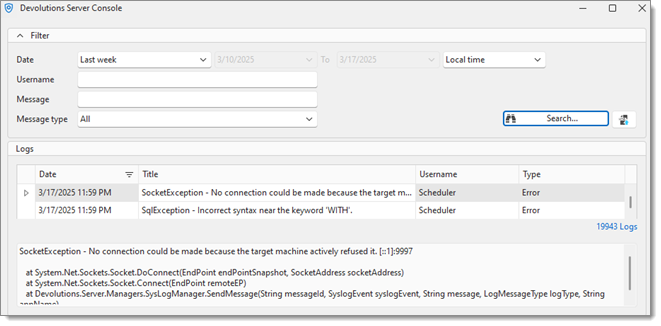
Or it can be viewed from the Devolutions Server Console using the Logs button.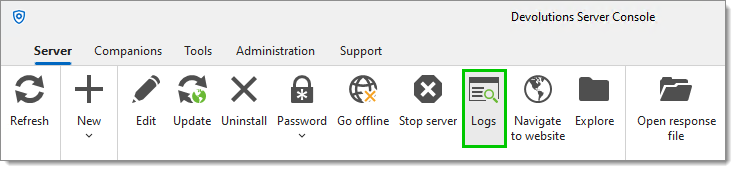 Here is what the Devolutions Server Console logs interface looks like:
 Share your feedback