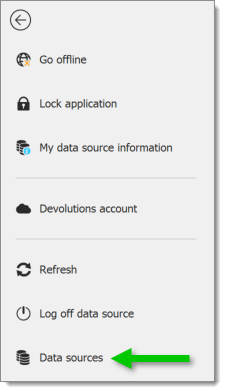
In Remote Desktop Manager go to File – Data sources.
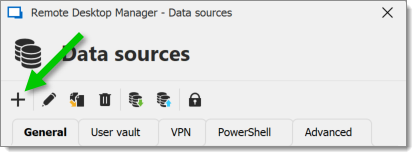
Add a New data source.
Select the Devolutions Server data source.

Fill in the required settings.
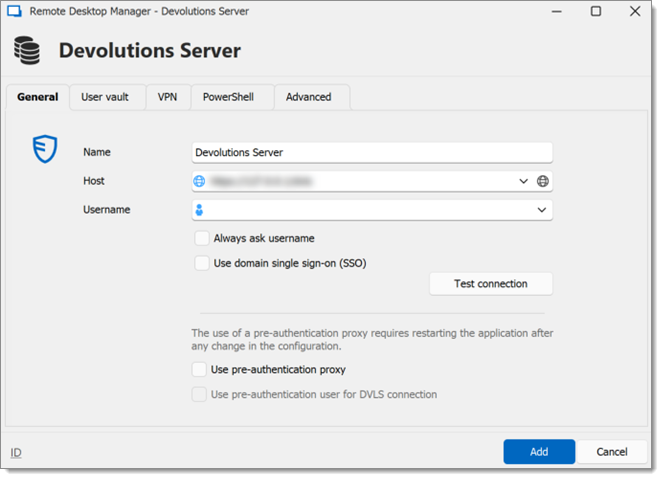
If %USERDOMAIN%\%USERNAME% is specified in the user credential text area, the value of the corresponding environment variables will be used.
If the server is configured to only allow SSL, ensure you specify the protocol by using https:// as the protocol.
 Share your feedback