Devolutions Server's global image management uses a dynamic form to easily create virtual folders and subfolders for image storage.
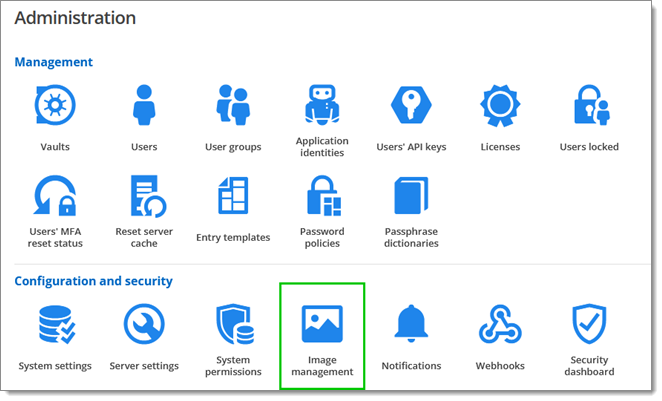
Go to Administration – Configuration – image management.
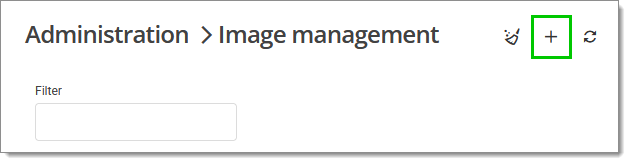
Click Add (+) in the right corner.
Choose the image by dragging, dropping or clicking.
Enter a title and select or create a folder.
Click Upload to close the window and save the image.
Information relevant to the image is presented in tabular form.
 Share your feedback