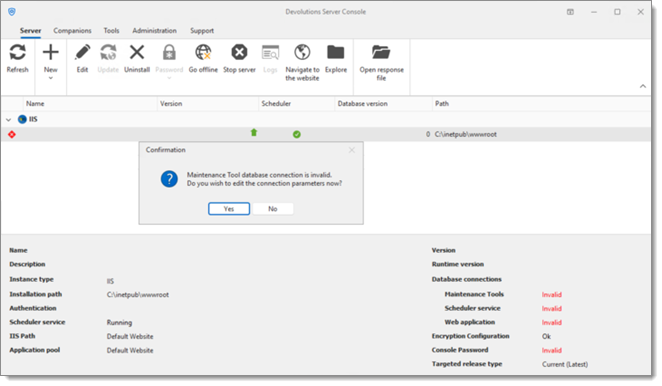
This error message occurs when trying to make changes in the Devolutions Server Console while being unable to access the encryption.config file.
Open command prompt and type
whoamI. It might simply be that you are connected as a user without permission to access the encryption file.Make sure you have the Read permission on the
encryption.configfile located inC:\inetpub\wwwroot\dvls\App_Data.
Once the correct permission has been granted, restart the Devolutions Server Console.
If the issue persists, refer to the DVLS_Owner account in the Pre-deployment account survey article.
 Share your feedback