This article describes how to decommission a Devolutions Server, for example after migrating the server from an old workstation to a new machine.
-
In the Devolutions Server Console, head to the Companions tab and Uninstall Devolutions Gateway and the scheduler.
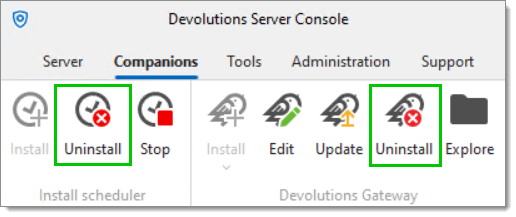
Uninstall Devolutions Server's companions -
Once this is completed, go to the Server tab and click the Explore button. You should be directed to the selected Devolutions Server's installation folder.
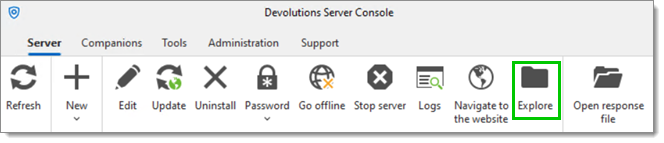
Open File Explorer -
Then, go back to the Devolutions Server Console and click Uninstall in the same tab.
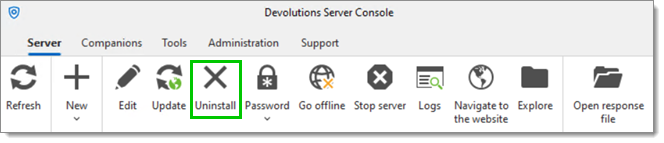
Uninstall Devolutions Server -
Remove any folders and files left behind in the previously opened File Explorer window.
-
Optionally, remove the binding or delete the site in IIS Manager.
 Share your feedback