Aller dans les Paramètres de l'appareil.
Faire défiler jusqu'à Général.
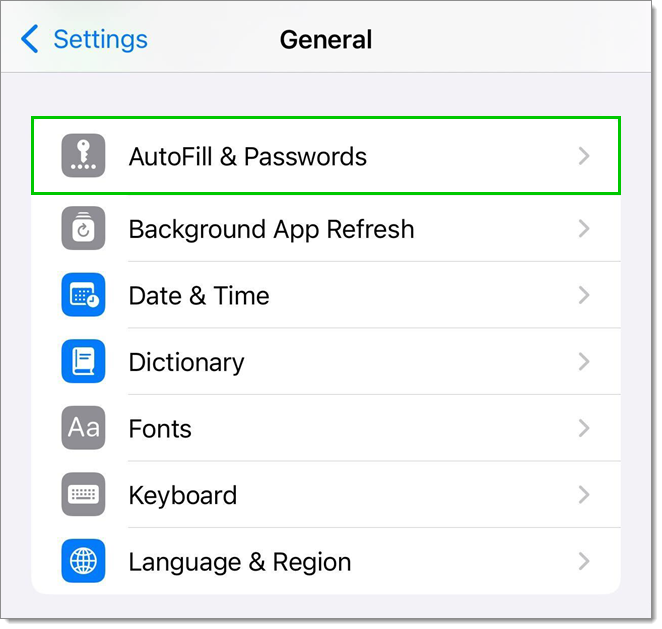
Appuyer sur Remplissage automatique & mots de passe.
Activer Remplissage automatique des mots de passe et clés d'accès, et sélectionner Devolutions Password Manager.
Ouvrir l'appli Devolutions Password Manager.
Appuyer sur le bouton du menu.
Aller dans les Paramètres.
Appuyer sur Tableau de bord du remplissage automatique.
Sélectionner le(s) compte(s) désiré(s).
Synchroniser toutes les entrées vers les fichiers de remplissage automatique avec le bouton Synchroniser.
 Partagez vos commentaires