Your Devolutions Workspace mobile app must be connected to Devolutions Server to receive notifications on your mobile device. Once connected, follow the steps below to enable push notifications.
-
Ouvrir l'interface web de Devolutions Server.
-
Sélectionner votre profil en bas à gauche de l'arborescence de navigation.
-
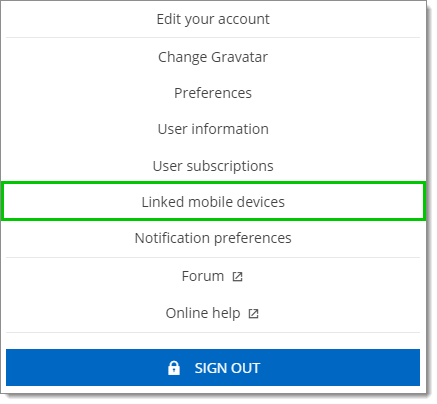
Cliquer sur Appareils mobiles liés.
-
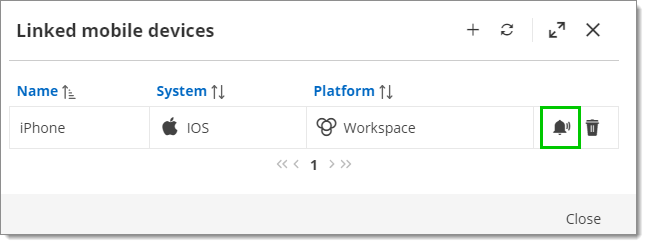
Sélectionner votre appareil mobile et cliquer sur Notification Push.
-
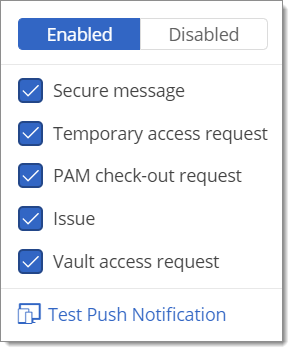
Choisir les notifications à envoyer vers votre appareil mobile.
-
Cliquer sur Tester la notification push pour envoyer une notification push de test à votre appareil mobile.
 Partagez vos commentaires