Your Workspace mobile app must be connected to Devolutions Server to receive notifications on your mobile device. Once connected, follow the steps below to enable push notifications.
-
Open the web interface of Devolutions Server.
-
Select your profile at the bottom left of the navigation tree.
-
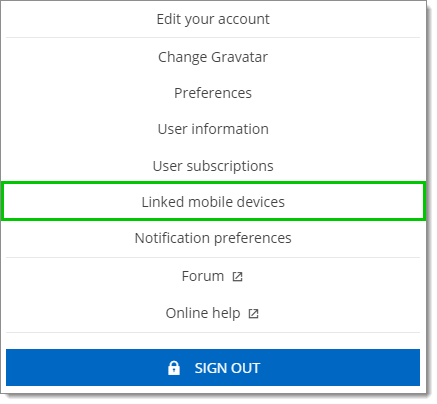
Click Linked mobile devices.
-
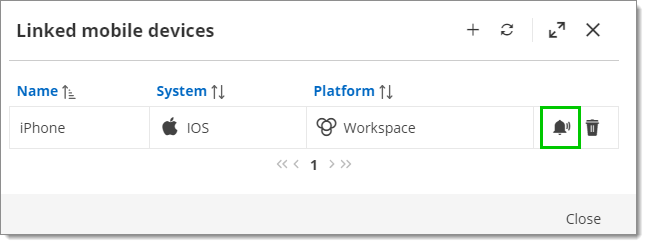
Select your mobile device and click Push notification.
-
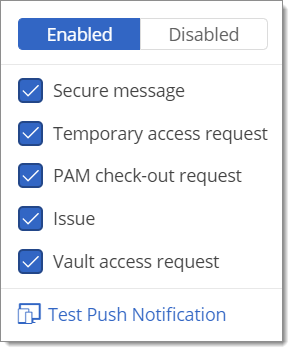
Choose which notifications to push to your mobile device.
-
Click Test push notification to send a test push notification to your mobile device.
 Share your feedback