Launch a session in Remote Desktop Manager Windows or in Devolutions Launcher through the user interface, or optimize the process by only having to double-click an entry to launch it.
Select the desired entry and click on Open in RDM or Open in Launcher.
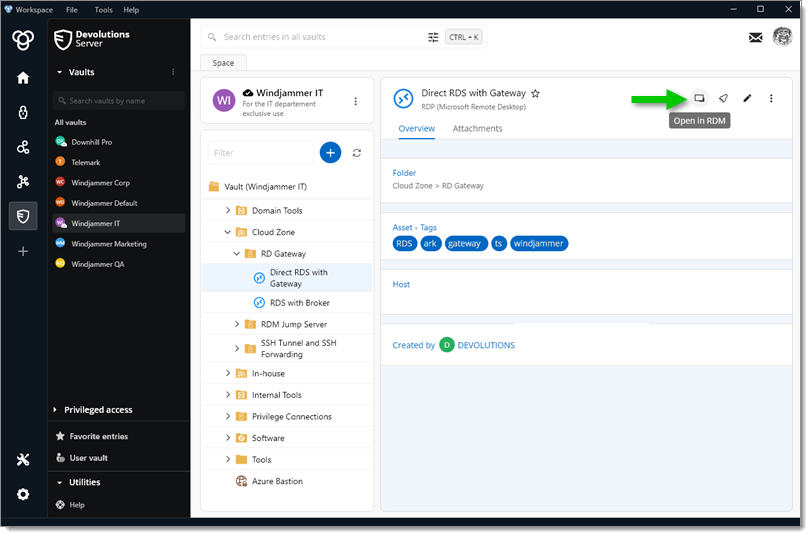
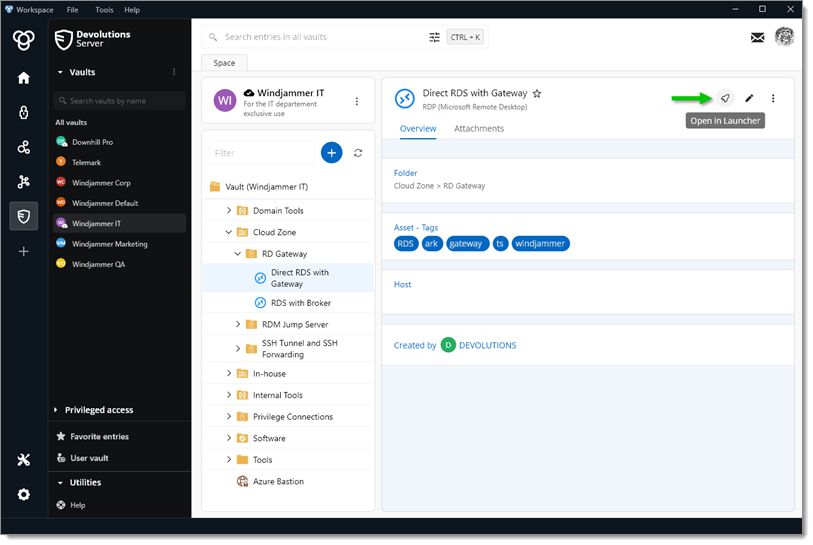
-
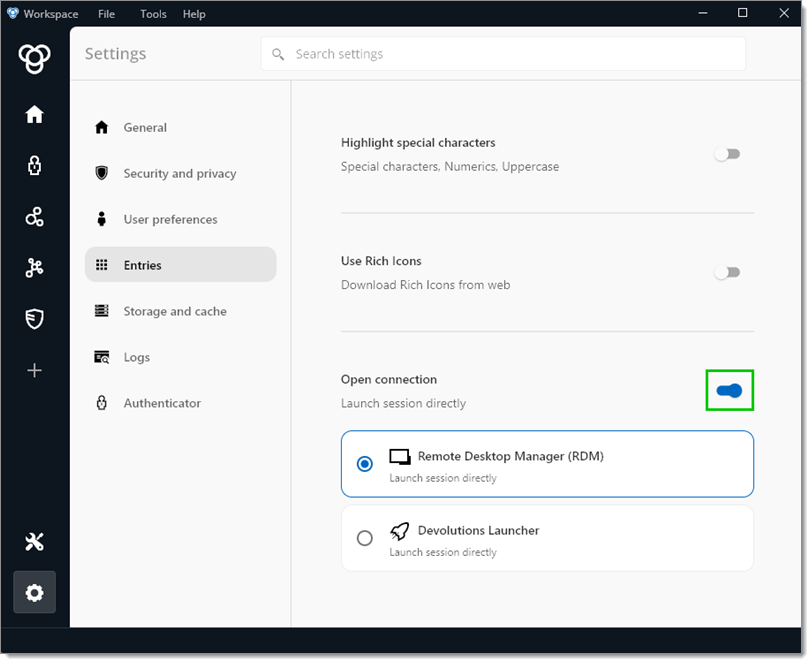
In the Workspace desktop app, click go to File – Settings – Entries.
-
Enable the Open connection option and choose between Remote Desktop Manager and Devolutions Launcher.
-
Click the X to close the option menu.
-
Go back to a vault and double-click an entry to launch it through the previously chosen application.
 Share your feedback