The Entra ID user provider allows Devolutions Hub Business to store the Entra ID application information to be used for Entra ID automatic password rotation.
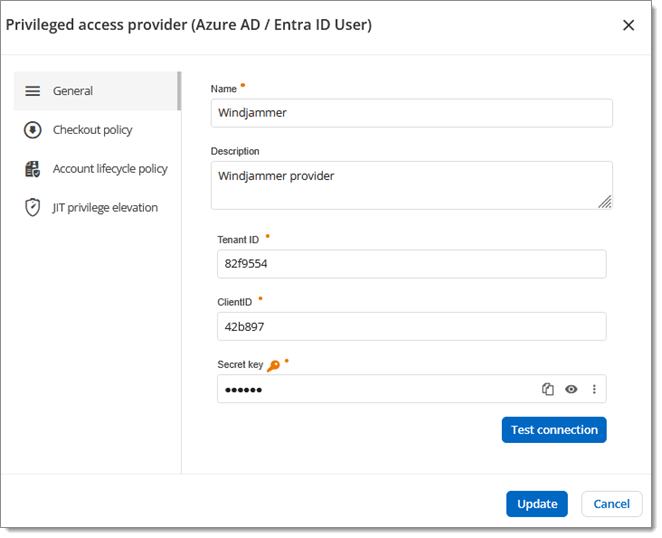
| Option | Description |
|---|---|
| Name | Display name of the provider. |
| Description | Description of the provider. |
| Tenant ID | ID of the Azure tenant. |
| Client ID | ID of the Azure application. |
| Secret key | Secret key of the Azure application. |
| Test connection | Test the connection. If the connection fails, check the validity of the information you have entered and try again. |
Option | Description |
|---|---|
Checkout policy mode | Choose a checkout policy mode:
|
Option | Description |
|---|---|
Account lifecycle policy mode | Choose a checkout policy mode:
|
| Option | Description |
|---|---|
| Select provider privileges to make available for temporary elevation | Select the Active Directory groups of which a privileged account will be elevated to member status. Click on the pen icon next to a selected group to assign a Devolutions Hub Business display name to it. |
| Enable privilege sets | Create privilege sets to group similar privileges together by assigning provider privileges and privileged accounts. |
 Share your feedback