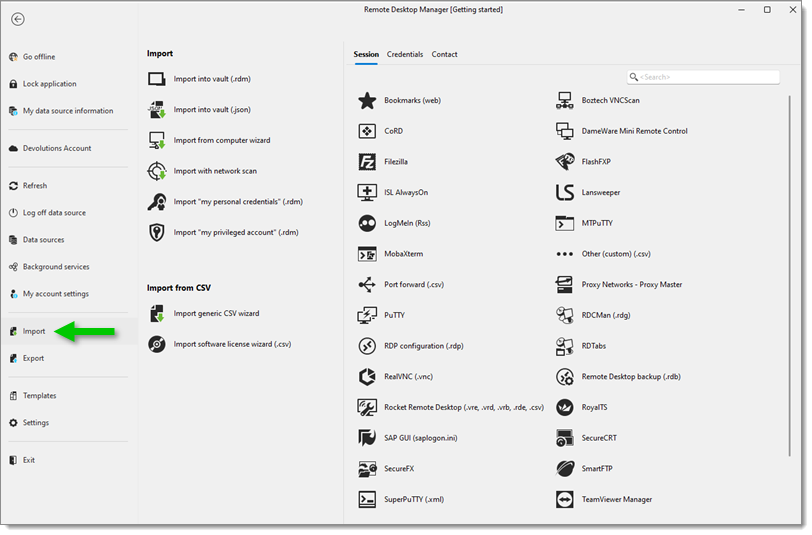
Learn how to import entries in Devolutions Hub using Remote Desktop Manager. Native import formats are supported for many popular tools. If a native format or third-party tool is not supported, use the CSV import wizards to import from a .csv file.
Open Remote Desktop Manager and select your Devolutions Hub data source. Go to File – Import to import entries.
The import feature is only active if the import Privileges have been enabled inside the user account. See System permissions.
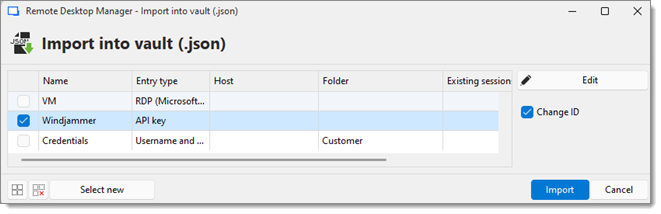
Choose the entries you want to import. Click Import.
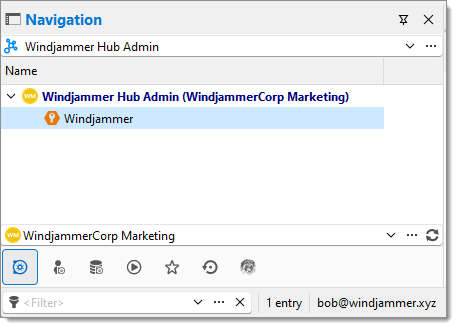
The imported entries appear in the Devolutions Hub data source.
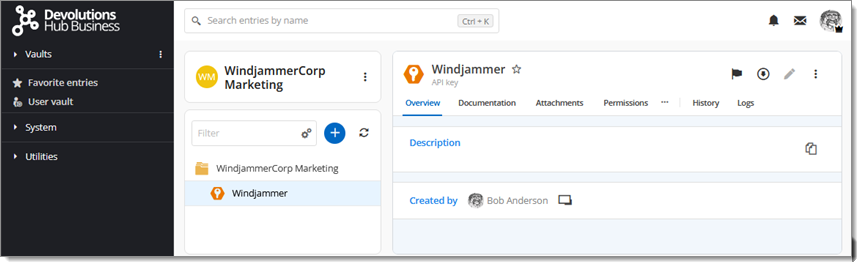
Here is what it looks like in the Devolutions Hub web interface.
 Share your feedback