Administrators can allow users to view specific folders or entries in a vault. The Restricted vault role is assigned at the vault level. Users or groups with this setting will see only the vault content that they have permission to view.
This functionality is also fully compatible with Remote Desktop Manager and Devolutions Password Manager (desktop, mobile, and browser extension).
-
Select the vault and click on the three dots to edit the vault’s permissions.
-
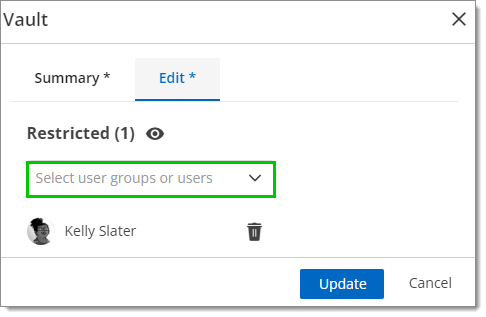
Assign the desired user or group to the Restricted role and click Update.
-
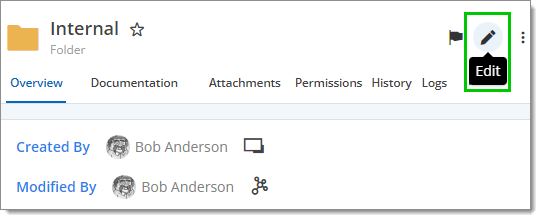
In the folder’s properties or entries, give users/groups the desired access by clicking on Edit.
Once this is done, affected users will only see what they have permission to access.
 Share your feedback